
MT Prepaid Client
Tools
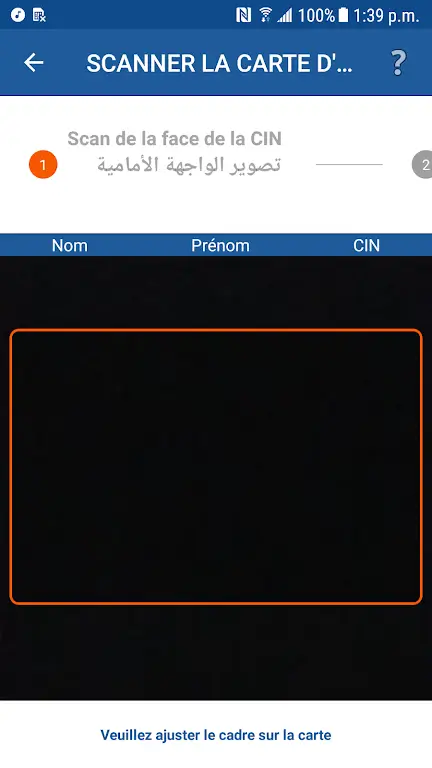
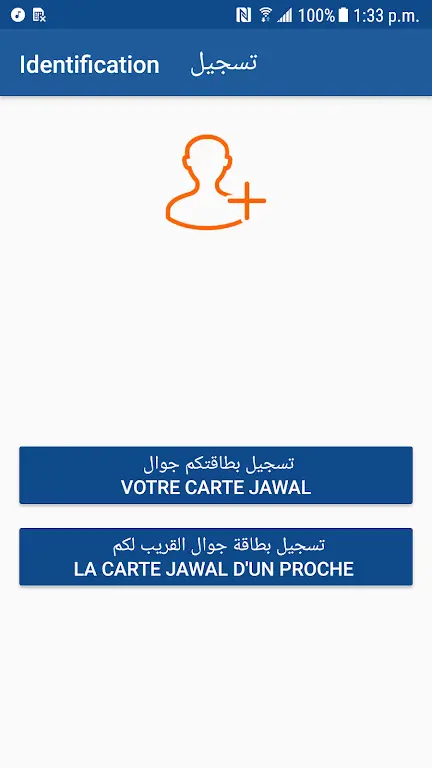
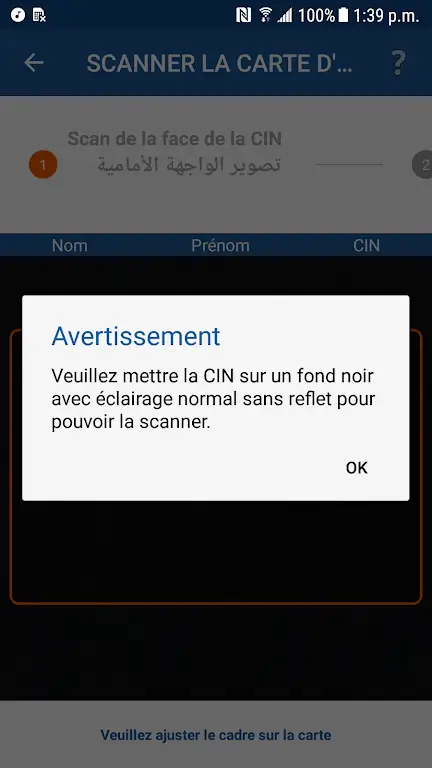
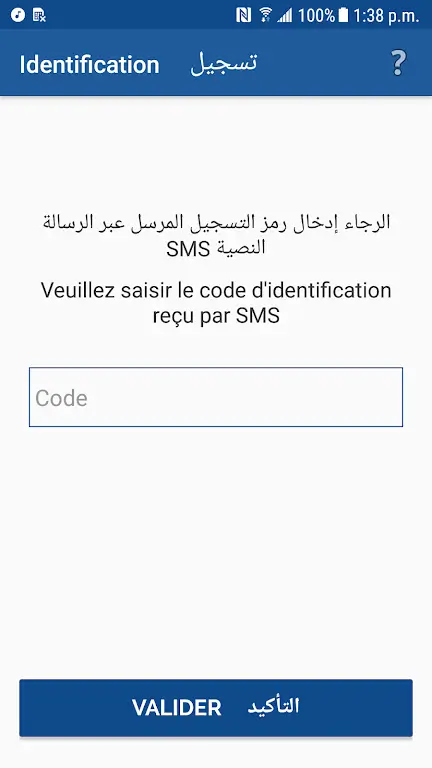
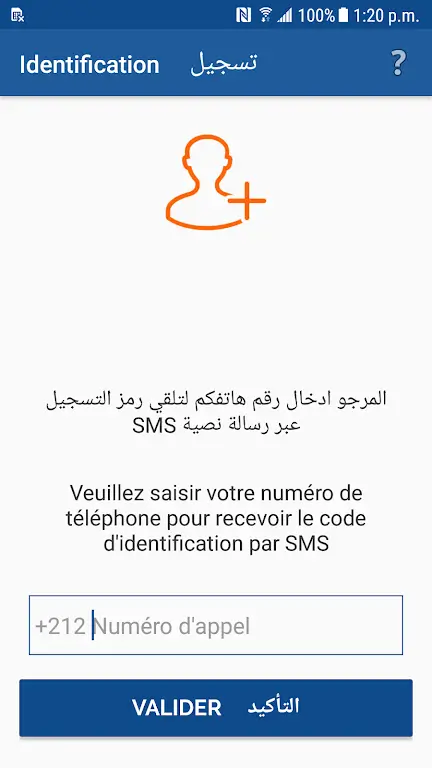

MT Prepaid Client is the official Android application from Maroc Telecom, designed to let prepaid customers manage their Jawal service directly from their phone. The app provides a quick way to register files, check balances, and view usage without needing to visit a physical store.
This page gives you the latest version (2.1.5), file size, installation guide, and practical tips to help you get the most out of the client.
Quick Information
| App/Game Name | MT Prepaid Client |
| Latest Version | 2.1.5 |
| Developer | Not listed |
| Category | Apps / Tools |
| App Size | 11.89 MB |
| Package Name | ma.iam.clientsmarti |
| Last Updated | 16 January 2026 |
What Is MT Prepaid Client?
MT Prepaid Client connects you to Maroc Telecom’s Jawal prepaid platform. Core functions include:
- Viewing current balance and data remaining.
- Registering or updating personal files required for Jawal services.
- Accessing recent call and SMS logs.
- Receiving promotional offers and service notifications.
The app targets Moroccan prepaid users who prefer a mobile‑first approach to account management. It does not replace the full web portal for complex billing issues, and some advanced settings still require a visit to a Maroc Telecom outlet.
Compatibility
| Android Version | Not Verified |
| Architecture (ARM64 / 32-bit) | ✓ Verified — Supports common device architectures |
| Internet Connection | ✓ Verified — May be required for ads, updates, or login |
| Storage Needed | Not Verified |
| OBB/Data Files | Not Verified |
| Root Required | Not Verified |
How to Install
- Enable Unknown sources or Install unknown apps for the browser or file manager you will use.
- Download the MT Prepaid Client APK file to your device.
- Tap the downloaded file and follow the on‑screen prompts to install.
- Once installed, open the app and grant the requested permissions (e.g., network access, storage for logs).
- Log in with your Maroc Telecom prepaid number to start using the service.
Troubleshooting
- App not installed: Ensure the APK is complete (no partial download) and that your device allows installations from unknown sources.
- Crashes on startup: Clear the app cache via Settings → Apps → MT Prepaid Client → Storage, then restart.
- Login fails: Verify you have an active prepaid line with Maroc Telecom and that you are using the correct phone number format.
- Balance not updating: Pull down to refresh; if the issue persists, check your internet connection or wait a few minutes for the server to sync.
Safety & Security
Because MT Prepaid Client is an official app from Maroc Telecom, it does not contain third‑party ad libraries or hidden trackers beyond what the service requires. Nevertheless, always download the APK from a trusted source, verify the package name ma.iam.clientsmarti, and review the permissions during installation. Avoid entering sensitive personal data (e.g., passwords unrelated to your telecom account) if you are unsure about the source.
How MT Prepaid Client Compares
| Feature | MT Prepaid Client | My Vodafone | My Orange | My T‑Mobile |
|---|---|---|---|---|
| Price / Free model | Free | Free | Free | Free |
| Platform availability | Android only | Android & iOS | Android & iOS | Android & iOS |
| Standout feature | Direct Jawal prepaid file registration | Unified bill & data management across Vodafone services | Real‑time usage tracking for Orange prepaid plans | Integrated account & device protection tools |
| Best for | Maroc Telecom prepaid customers | Vodafone prepaid users in Europe | Orange prepaid users in France & Spain | T‑Mobile prepaid users in the US |
Alternatives
If you are looking for other telecom management apps, consider:
- My Vodafone – Offers comprehensive account control, data bundles, and international roaming options for Vodafone customers.
- My Orange – Provides real‑time balance checks, plan upgrades, and promotional offers for Orange prepaid subscribers.
- My T‑Mobile – Combines prepaid management with device security features and family plan oversight for T‑Mobile users.
Final Verdict
MT Prepaid Client is a straightforward, official tool for Maroc Telecom’s Jawal prepaid users. It delivers essential balance and file‑registration features without extra clutter. Users should verify the APK source, grant only necessary permissions, and keep the app updated to maintain compatibility. If you are outside Morocco or use a different carrier, one of the listed alternatives may better suit your needs.
Frequently Asked Questions
Yes, it is the official app from Maroc Telecom, but always download the APK from a reputable source and check the package name.
The app works on Android 5.0 (Lollipop) and newer, though newer versions provide a smoother experience.
An active internet connection is required for balance checks, registration, and receiving updates.
The app can be installed without a SIM, but you need an active Maroc Telecom prepaid number to log in and access account data.
Download the newest APK from a trusted source and install it over the existing version; the app will retain your settings.
This can happen if the APK is corrupted, if unknown sources are disabled, or if the device’s Android version is incompatible.
The official app only requests permissions needed for telecom services; however, always review permissions before accepting.
No, MT Prepaid Client is a single‑APK package and does not require extra OBB or data files.